QR audience participation · Live display
Bring your audience
into the event.
LIVE TEXT brings audience participation to your event screen. Guests scan a QR code to send messages, photos, and questions. Your team reviews submissions and displays them live.
Send a message, then select Approve on its card to bring it to the event screen.
No credit card · No installation · 10 rehearsal messages
- 200–8,000 attendees · Used at real events (total event attendance)
- No app needed · Scan to join
- Photo messages · Available on Pro and Custom
- Moderation · AI classification · Review, then display
Real events
See it in action
at real events.
Pre-show messages, talk show questions, and reflections from camp—all shared on the event screen.
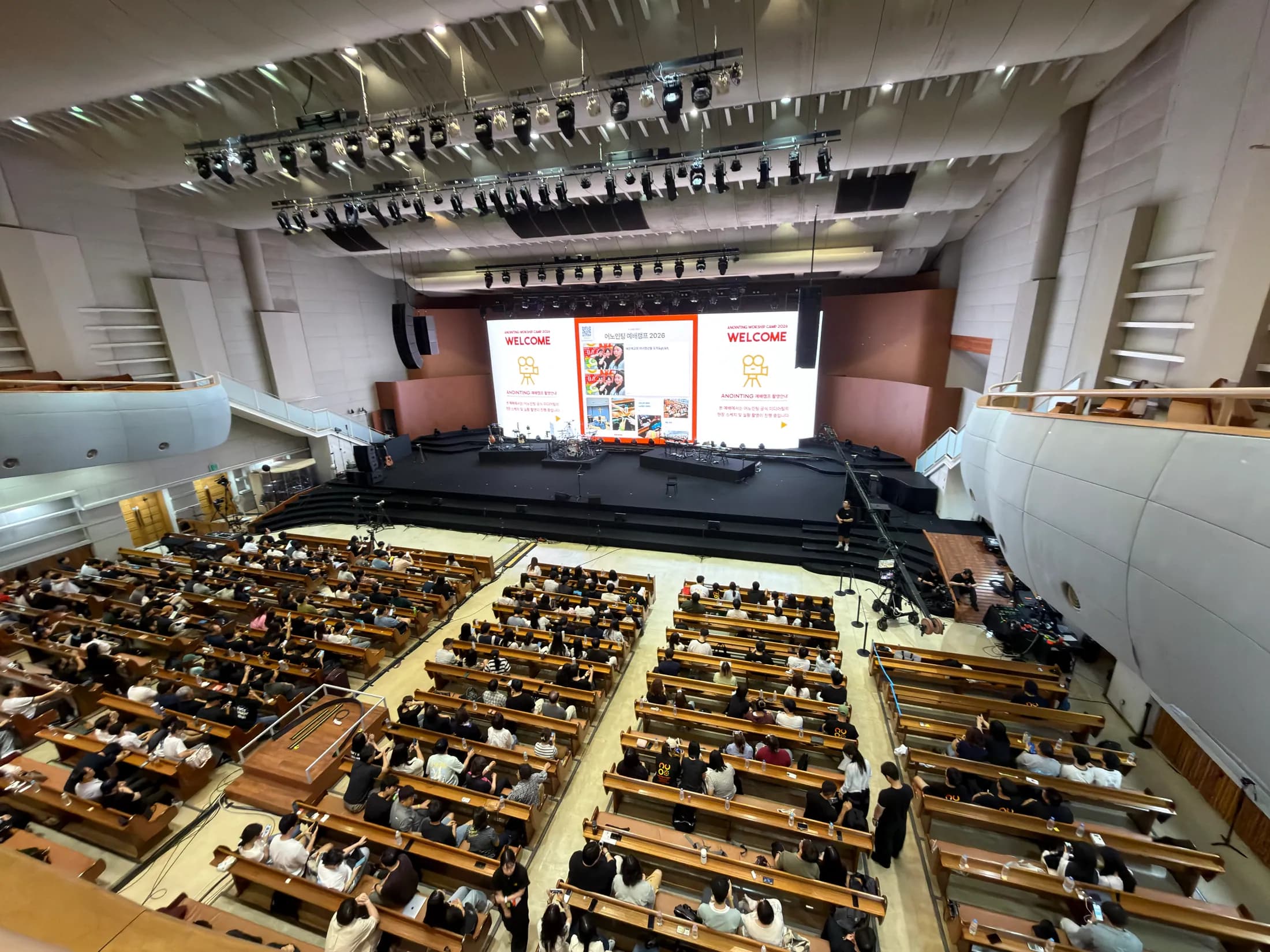
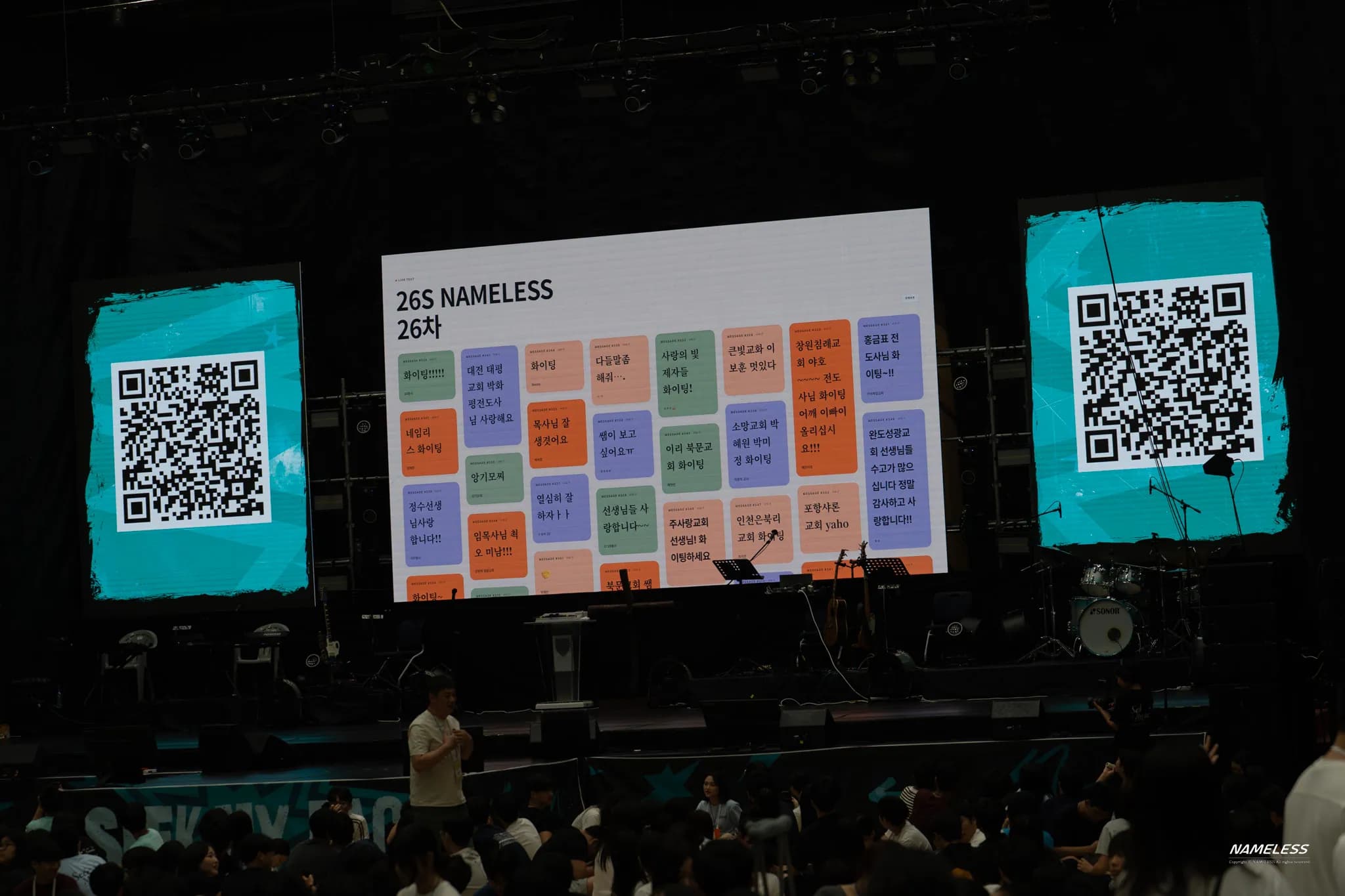
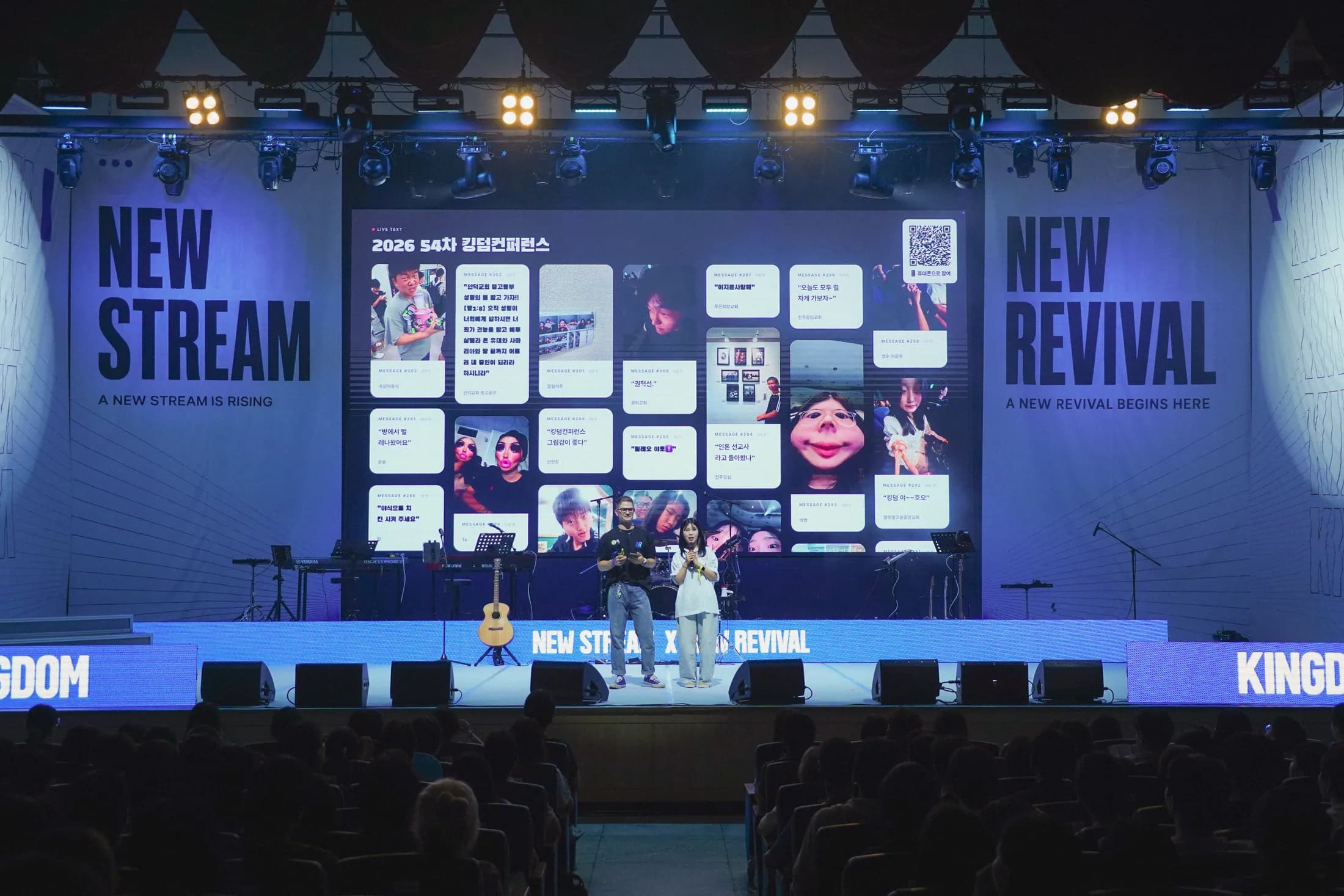
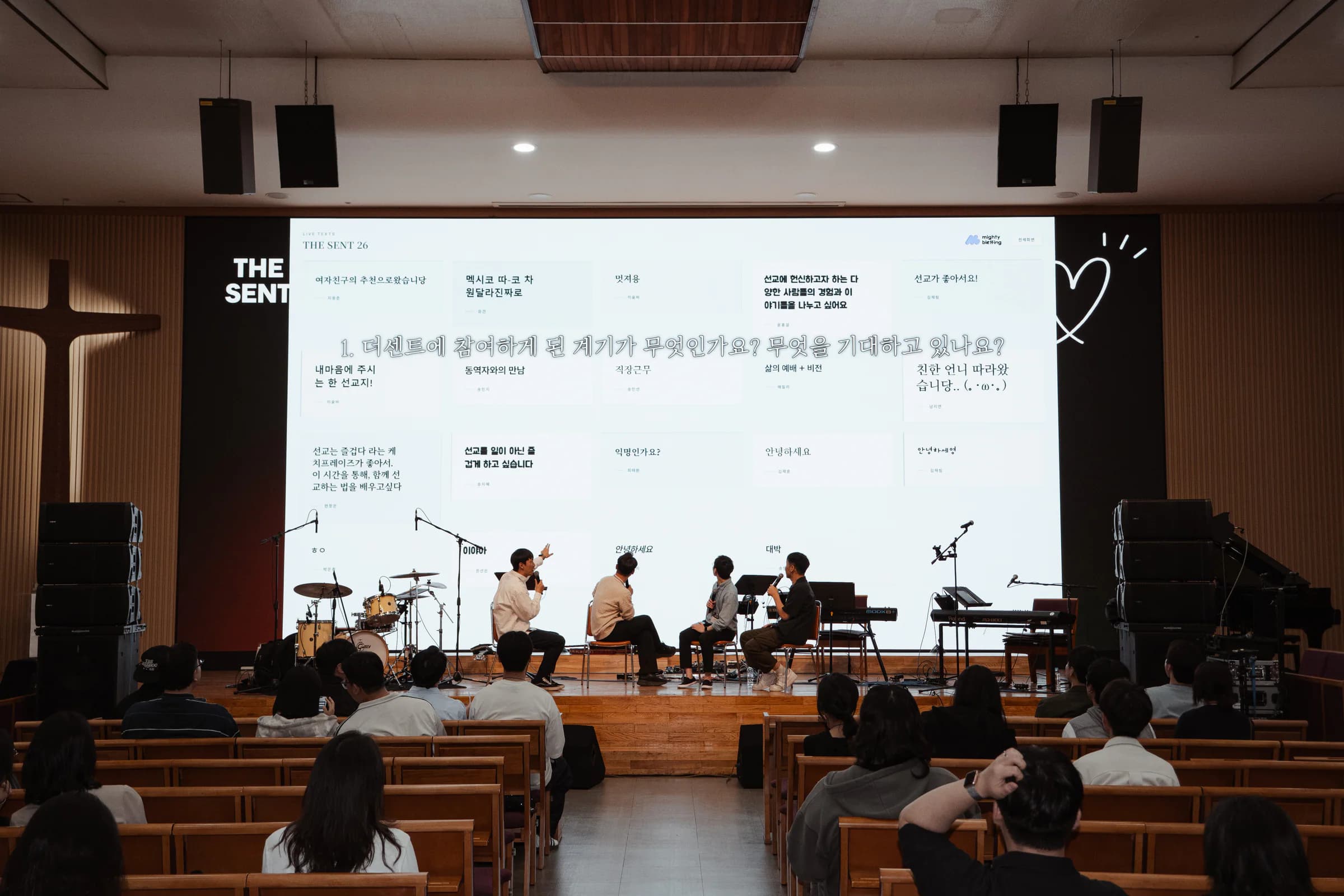
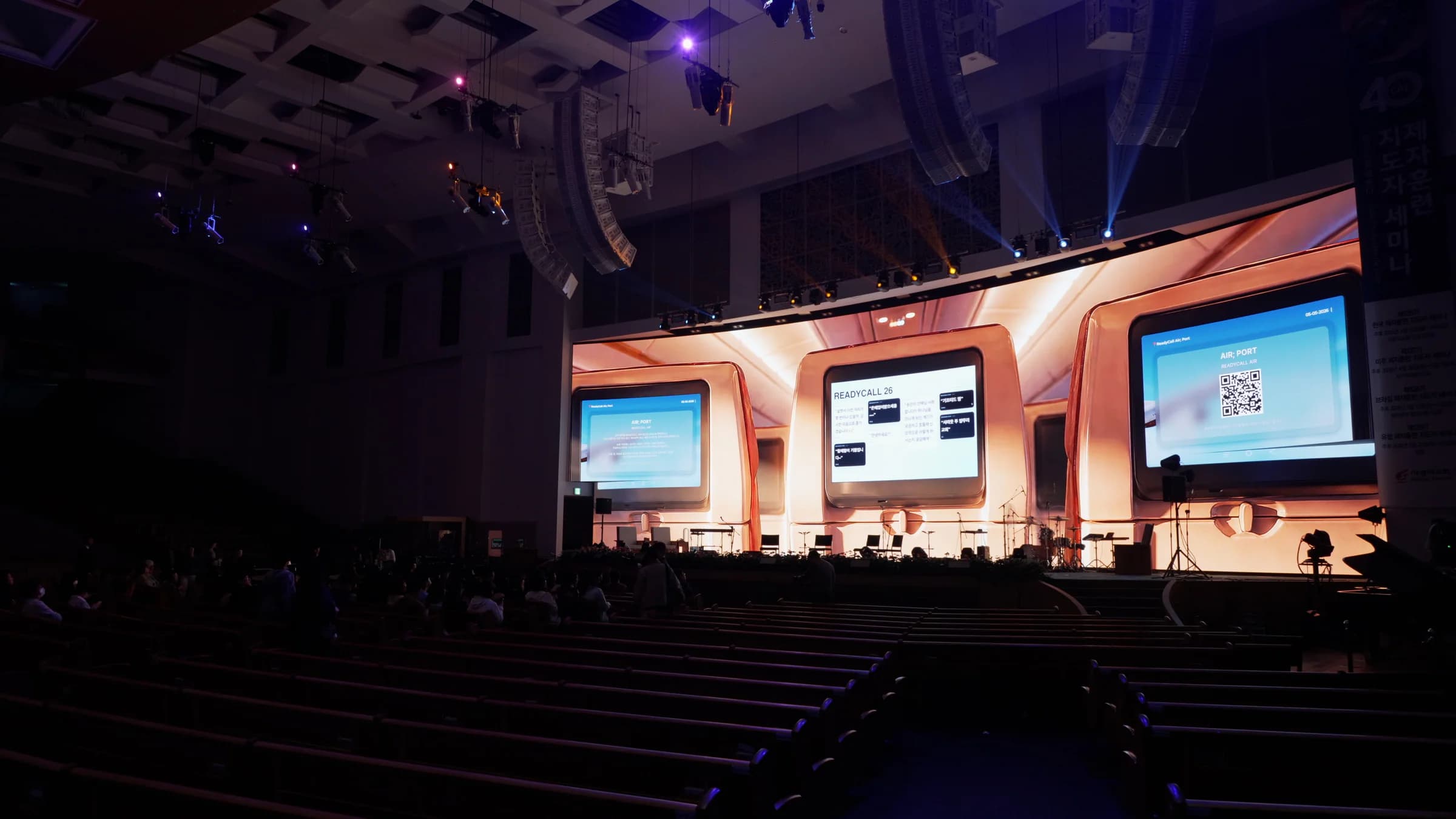
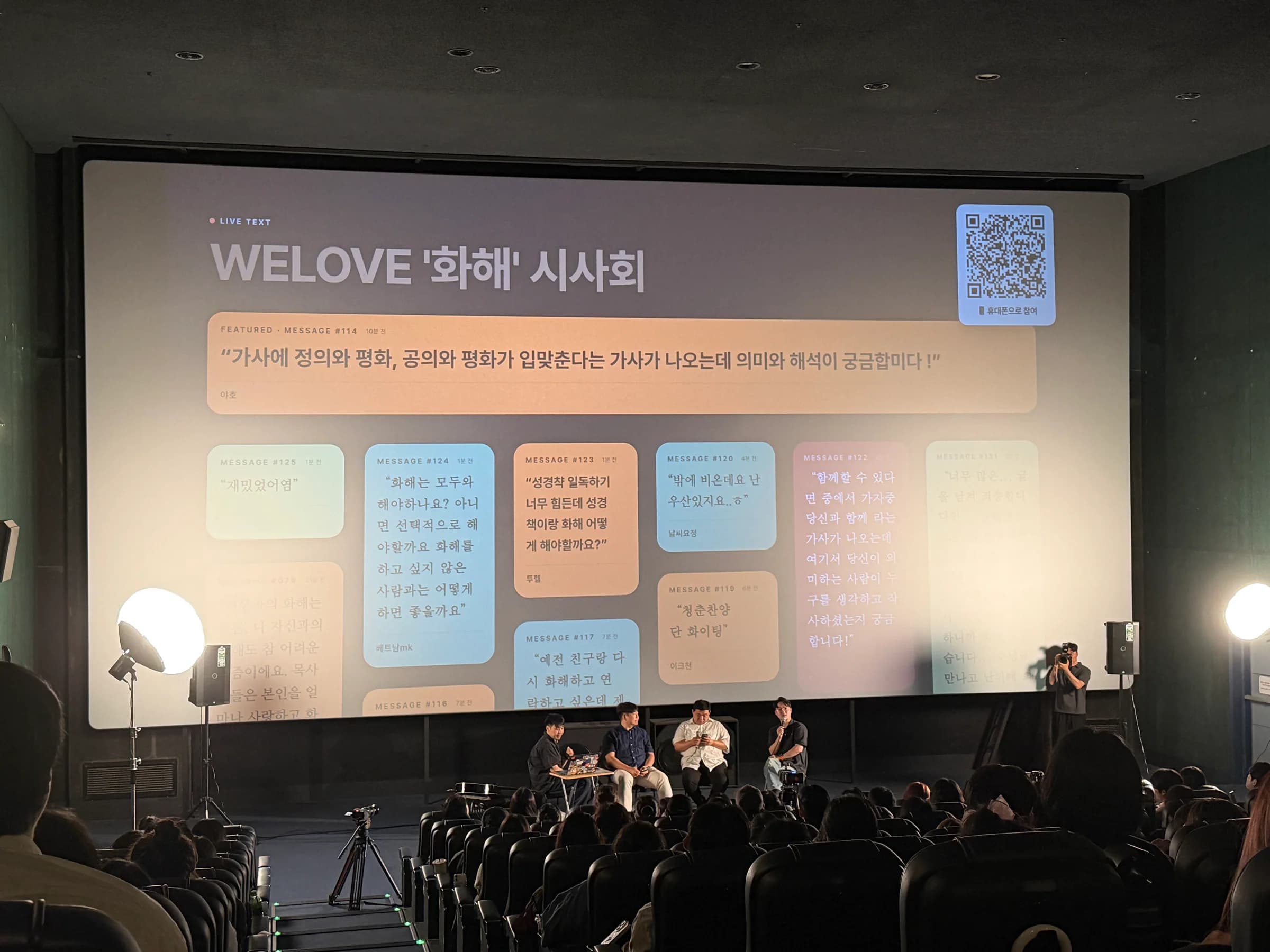
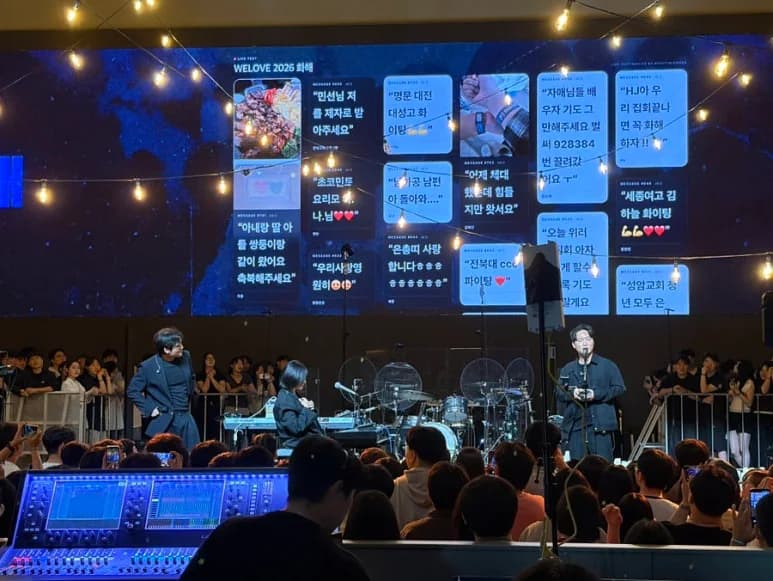
How it works · From guest to screen
Three connected screens. One shared experience.
All three screens run in a browser. Guests join on their phones. Your team approves messages and displays them on the event screen.
Guest screenScan the QR code.
Scan the QR code.
Send a message.
Guests can send messages, questions, and photos without installing an app or creating an account.
No app · Anonymous participationDemo QR code01 · Scan

Scan the code
to try it yourself.
LIVE TEXT02 · Connected
READYCALL 26
Your nameMarble
ChangeShare a message about today's event0/200
Send
Recent messages (6)⌄
Moderation panelReview submissions.
Review submissions.
Choose what goes live.
See incoming messages in one place. Use AI classification to help your team decide which submissions to display.
AI classification · Team approval · Live displayLIVE TEXTREADYCALL 26 · ModerationLive
Inbox 8AI review 110On screen 389Archive 8
AI classification complete110 total · 102 passed · 8 to review
8 messages to review
So glad to be here with you today.
DisplayArchive
I have a question for the panel.
DisplayArchive
From message to event screen
Four steps, from QR to live display.
Guests send messages by QR. Your team reviews the classification results and approves submissions. Approved messages appear live on the event screen.
LIVE TEXT · Guest screenScan the code.
Join the moment.
Join the moment.
Send messages and questions without installing an app.
Try scanning itScan to join
Current stage: Scan to join. Open the guest screen by QR and send messages and questionsSet up for free.
Rehearse your event.
Create an event with no credit card required. Try the full flow with 10 rehearsal messages.
- No credit card required to set up
- Basic from KRW 29,000 per month
- Custom pricing by quote
No app neededMessages, questions, and photos