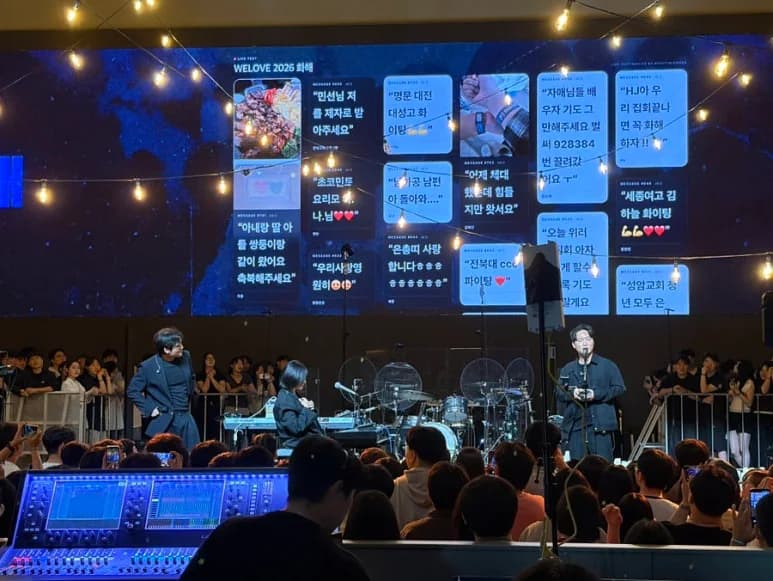
Pre-show audience messages at a concert with around 2,000 attendees.
Before WELOVE's “Reconciliation” concert began, audience greetings and photos appeared together on the stage LED screen.
Sign up in English. The event console is in Korean for now, and prices are in KRW.
Using LIVE TEXT
No signup needed. Demo messages are not sent to a real event.
Before WELOVE's “Reconciliation” concert began, audience greetings and photos appeared together on the stage LED screen.
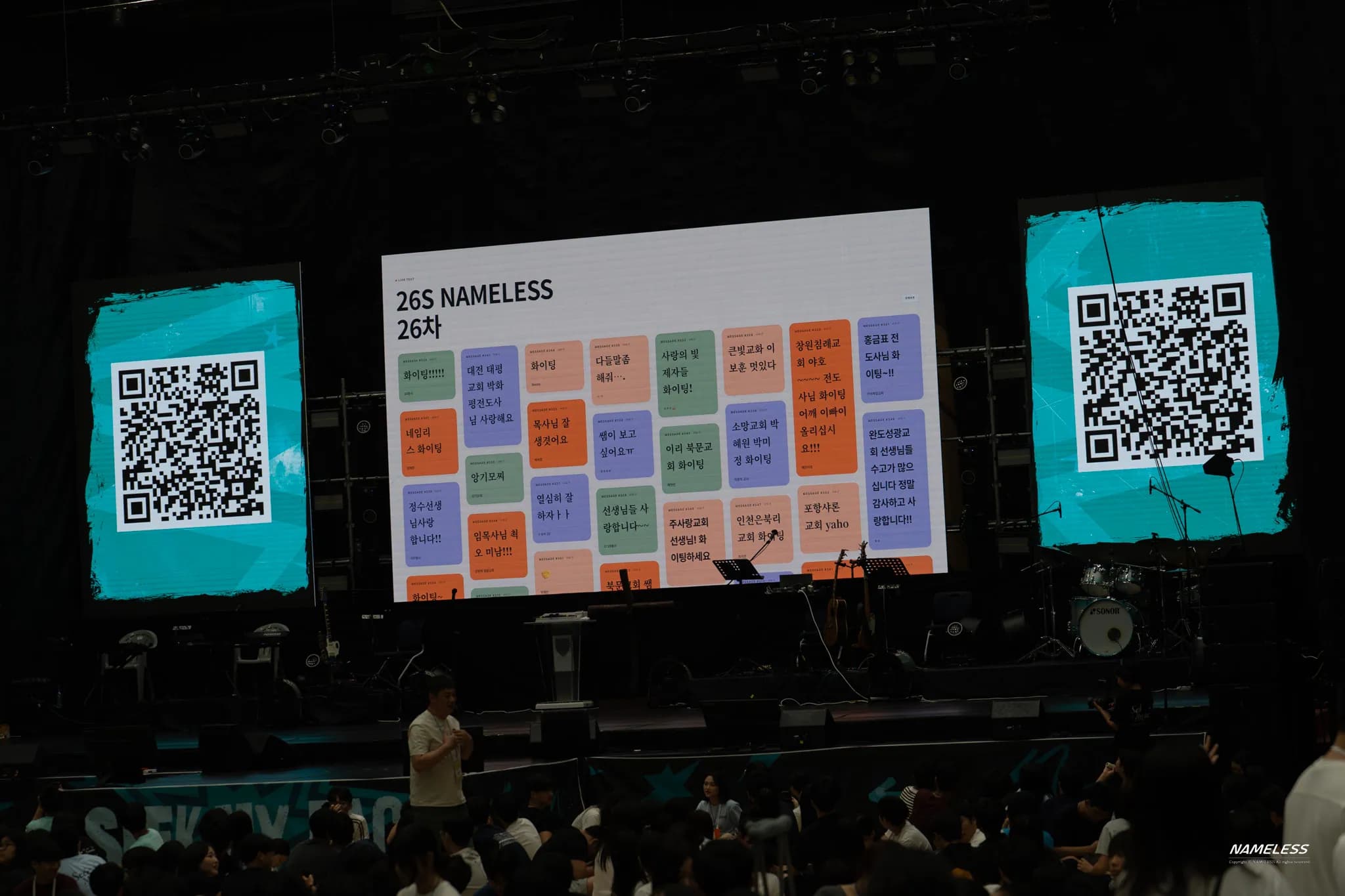
Campers sent messages and photos during the “Warrior Encouragement” session and before gatherings began. The team reviewed submissions before showing them on the big screen.
A specific prompt such as “Describe the moment you’re looking forward to in one sentence” is easier to answer than “Leave a message.” Place the event QR code on arrival materials and the venue screen, and explain that reviewed submissions may appear publicly. Decide whether to accept photos based on the event and your plan.
Open the event screen on an internet-connected computer and connect it to the venue display. A large LED wall is not required: a projector or TV can show the browser window too. Ask the video operator to confirm connections and the screen ratio, and make sure the audience cannot see the moderation panel.
An operator checks submissions for personal information and content that does not fit the event before displaying them. Photos may include other people, so agree on participant notices and review criteria in advance. Rehearse manual approval if you want review before display. If you use automation, check the AI filter and display settings separately.
Put message-wall segments in the running order, such as before a performance, between sessions, or at the end. Switch to the appropriate screen when a presentation or important announcement starts. Check font size and message density from audience seats. For photo-heavy events, test the full upload-to-display flow on the venue network.
Need a custom screen or on-site support? Discuss the scope for your event with our team. Contact us about Custom
Live event Q&A, from audience phones to the screen